Project · Android launcher
Instant9
The classic T9 keypad, reborn as a launcher. Find and open any app, call a contact, or fire off a WhatsApp message with a couple of thumb taps — no scrolling, no hunting for icons, no reaching for a search bar.
Type digits, not letters.
It's the old 3×4 grid: 2 is ABC, 3 is DEF, 4 is GHI. Instant9 matches the digits you press against the T9 spelling of every app and contact on your phone.
Press 4 4 and GitHub surfaces instantly — the matched letters highlighted in orange. After a few days it's muscle memory; you barely look at the screen.
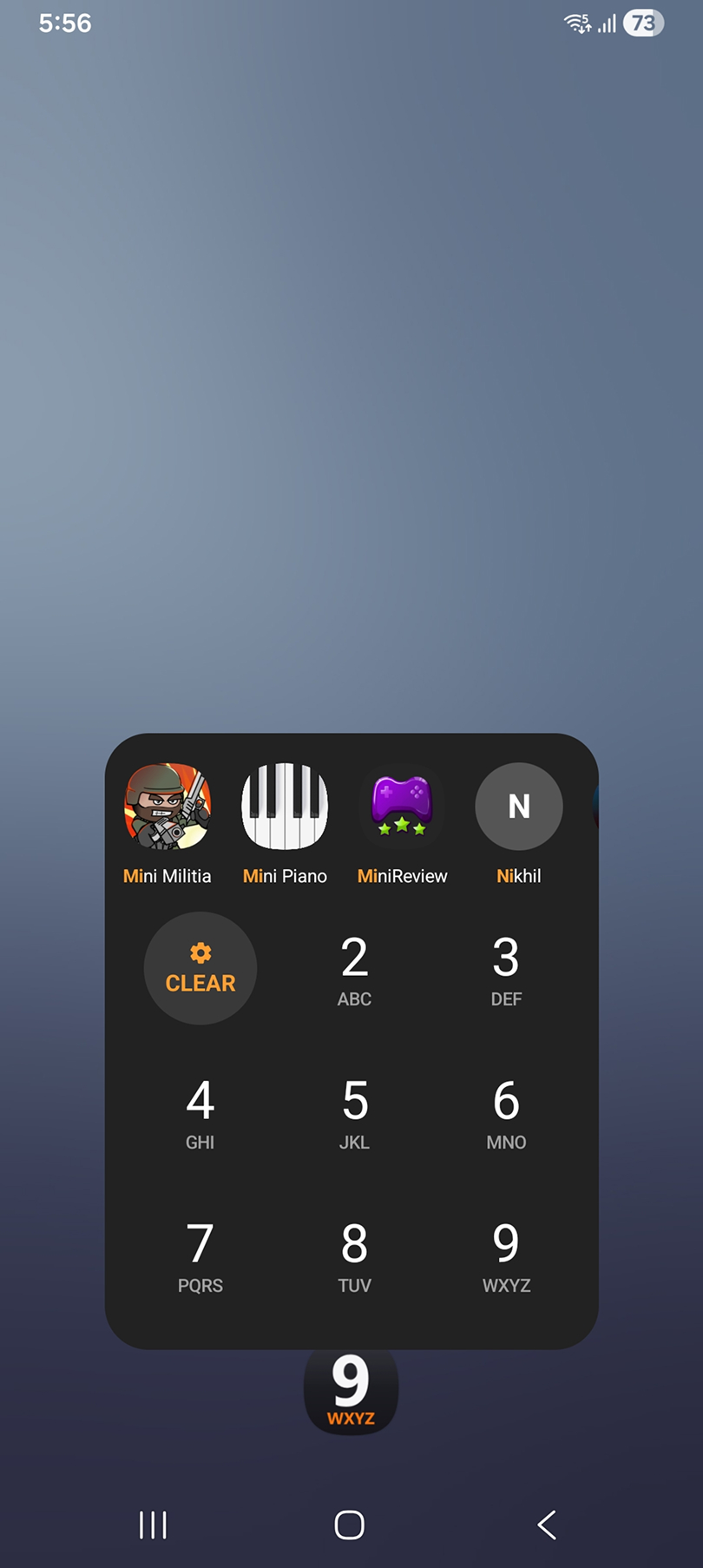
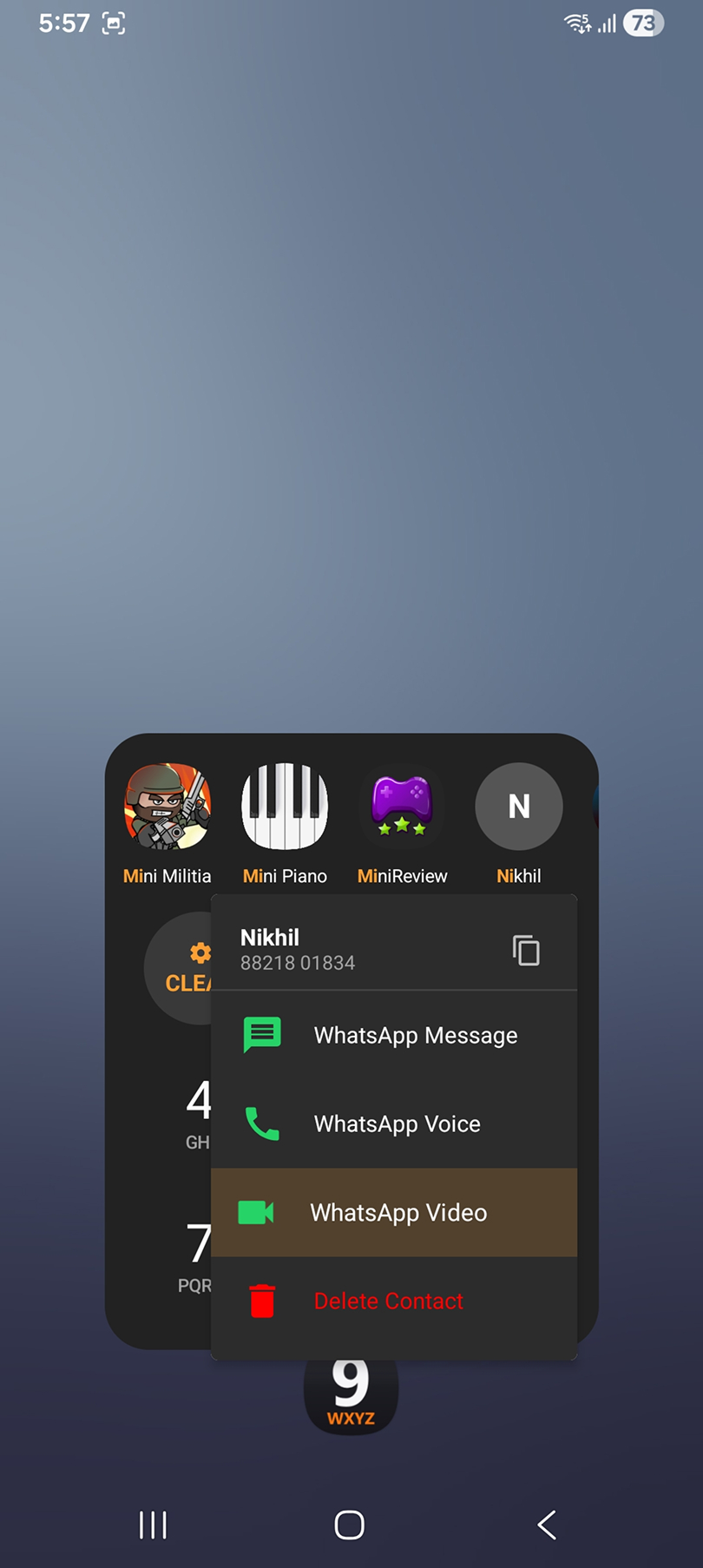
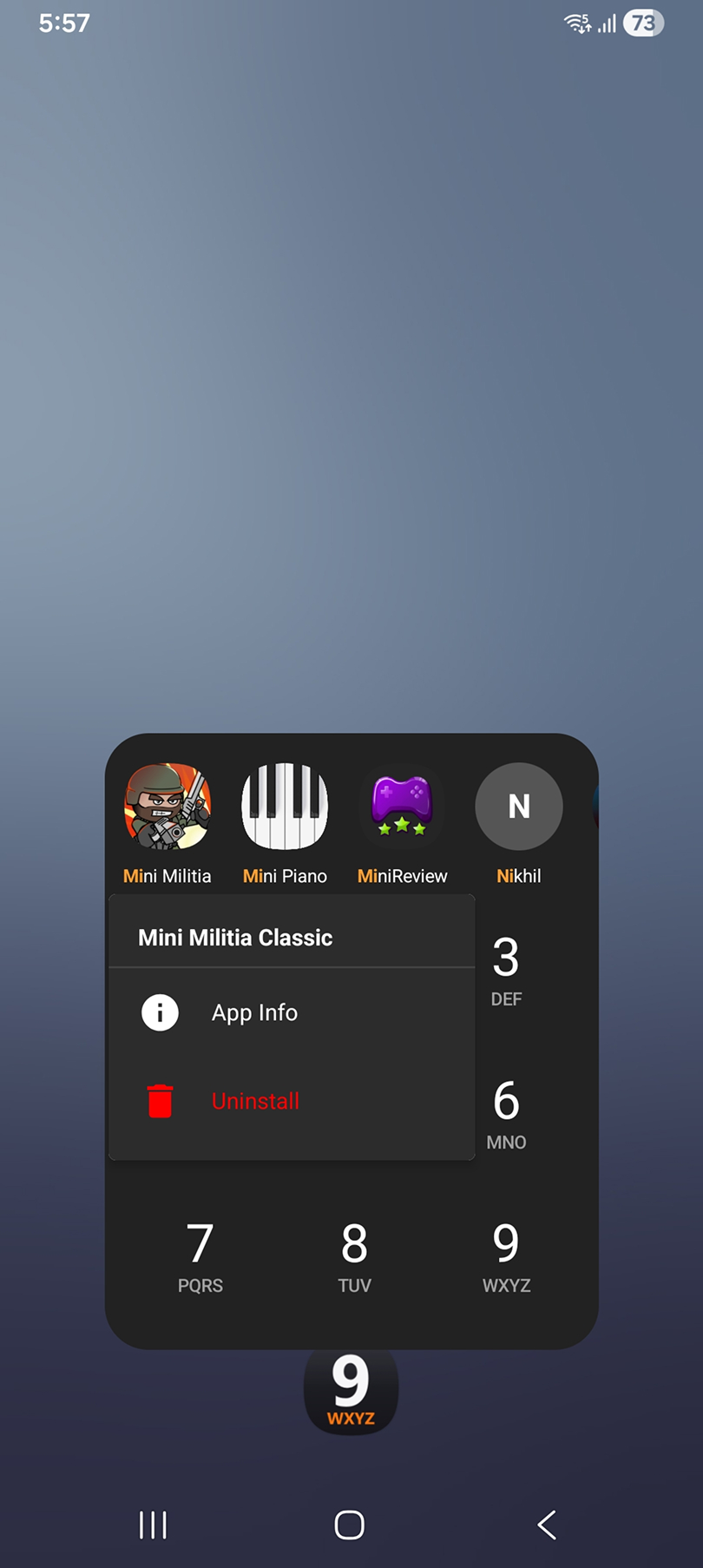
Built for speed — one thumb at a time.
Instant search
Type digits and results appear on every keystroke — no lag, even with hundreds of apps. Prefix matches rank first; the row scrolls when there are more.
Typo-tolerant
Fat-fingered a neighbouring key, or added a digit? A one-mistake fuzzy fallback quietly surfaces what you actually meant.
Recents
Open Instant9 with nothing typed and your four most-recent apps and contacts are already there, one tap away.
Call & WhatsApp
Tap a contact to call. Long-press for WhatsApp message, voice, or video call — plus copy number, right under your thumb.
One-handed gestures
Long-press and slide to any menu option without lifting your thumb. Every step — press, hover, select — has its own haptic.
Right-handed mode
Mirror the results row so the best match lands under your thumb on the right. Left-handed is the default.
App management
Long-press an app for App Info or a one-tap uninstall — the list refreshes itself the moment the app is gone.
Private by design
No ads, no bloat, no surprise notifications. Search runs on your phone, against your own apps and contacts.
Also: System / Light / Dark themes that persist, manual sync for apps and contacts, and clear permission handling with a one-tap shortcut to settings.
Why it's different
Most launchers make you remember where an icon sits, or type letters into a bar at the top of the screen — both need two hands and your eyes. Instant9 leans on muscle memory millions already have: the numeric keypad. It's deliberately narrow — it launches apps and calls contacts, and that focus is exactly why it's fast.
Who it's for
- —Home screens buried under too many apps
- —One-handed use — commuting, carrying a child, walking
- —Anyone who misses how fast T9 used to be
- —Speed-obsessed power users